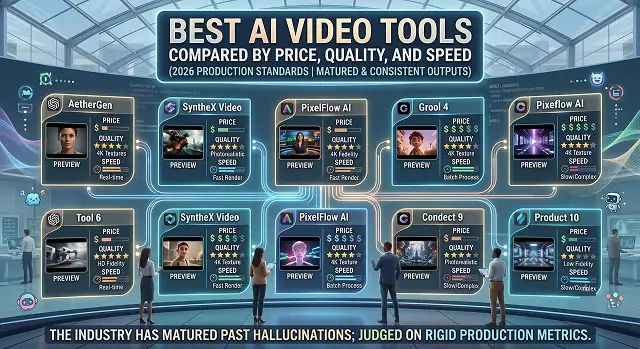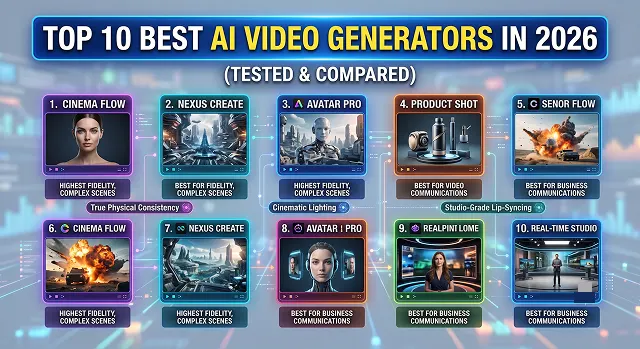
Top 10 Best AI Video Generators in 2026 (Tested & Compared)
The world of AI video generation moves incredibly fast. What looked like groundbreaking technology a couple of years ago now looks like a blurry, glitched-out relic.
Insights, tutorials, and news about the future of generative video.
The world of AI video generation moves incredibly fast. What looked like groundbreaking technology a couple of years ago now looks like a blurry, glitched-out relic.
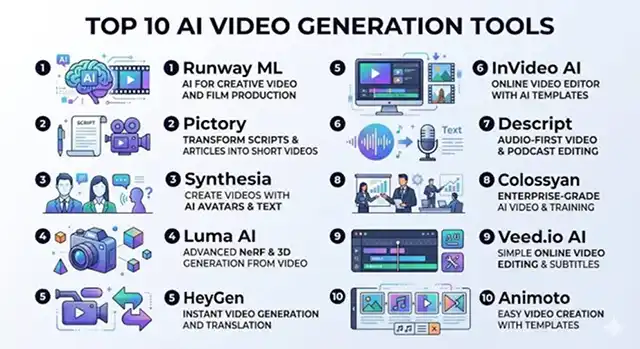
Navigating the world of AI video tools can feel incredibly overwhelming right now.
Using to be very expensive, in the past an explainer video would cost thousands of dollars for the script writer, voice actor and animator.
With the rise of video and the overwhelming influence of video content particularly in the last two years, it is essential to pair video or multimedia content with text overlay.
The technology behind video generation has developed extremely fast, and has changed from unclear video snippets into high-end, Hollywood video.
The realm of generative AI has reached a never-seen-before level of development. Creating high-quality videos that earlier needed the use of a green screen and camera studios and would take weeks and even months to finalize has become possible with just a few clicks of a mouse.
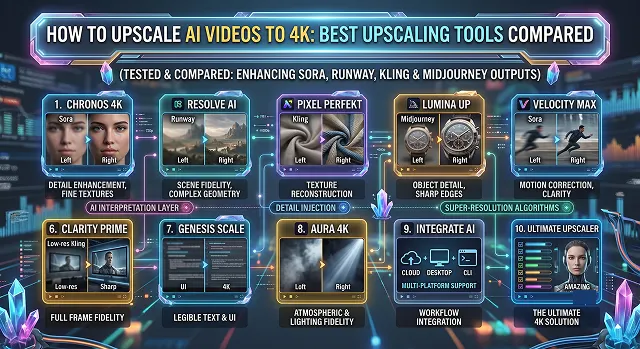
Anyone who has produced an amazing 720p or 1080p video clip using contemporary AI video generators such as Sora, Runway, Kling, or Midjourney knows how annoyingly true this is – AI videos tend to look somewhat blurry, lack textures and fail at higher resolutions.
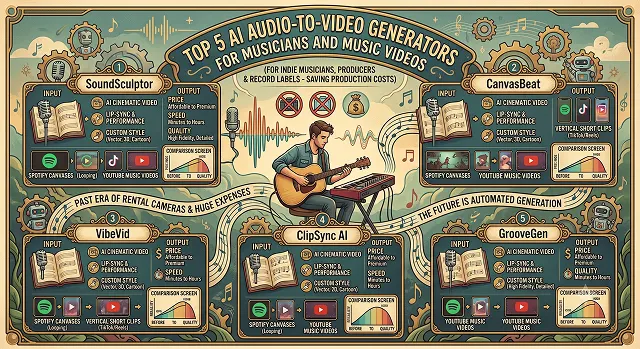
It has become essential for indie musicians, producers, and record labels to focus on the visual aspect of their music.
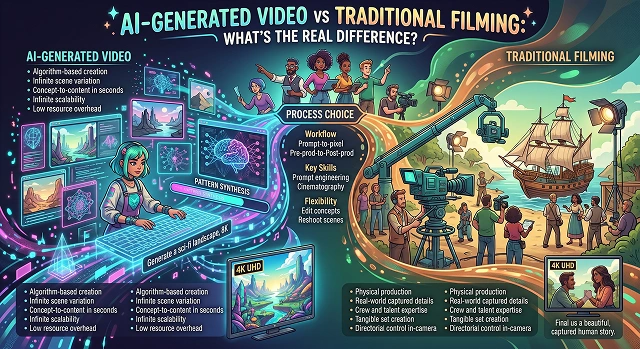
The video production landscape has fundamentally broken in two.
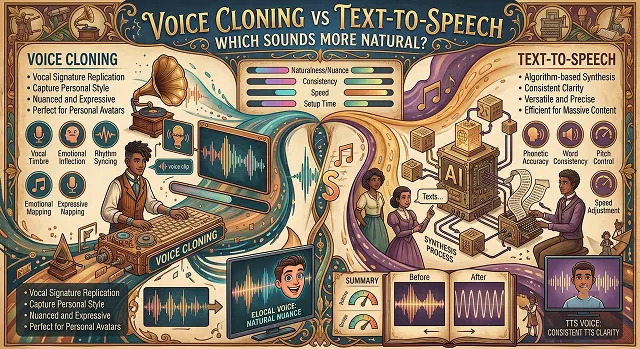
The conversation around synthetic audio has evolved past basic machine readability.
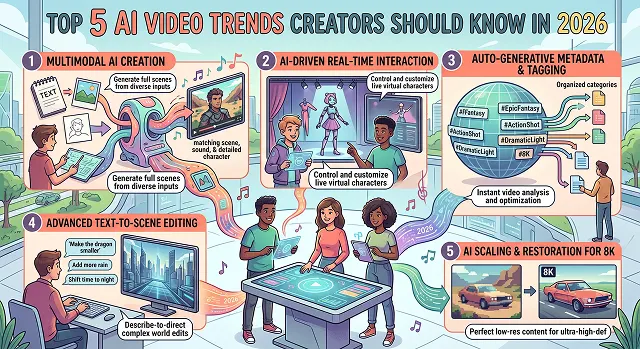
There has been rapid development of the technology used to make videos with the help of artificial intelligence.
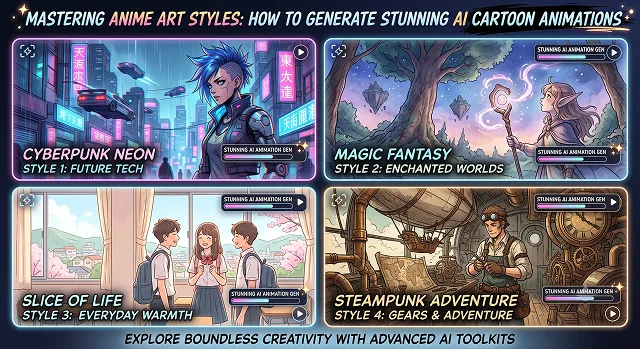
Anime animation is arguably the most challenging digital media. Moving a piece of art out of its still 2D origins and into fluid animated sequences takes more than simple prompts.
The era of typing vague "vibes-based" text prompts like "cool cyberpunk city movie look" and hoping for a usable video render is over.
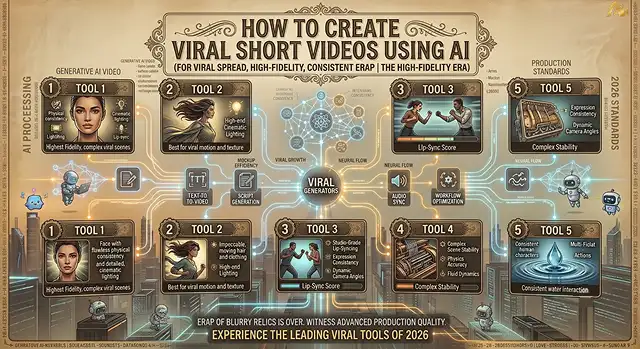
Making viral short videos (YouTube Shorts, Instagram Reels, TikTok) with the help of artificial intelligence no longer means spending long hours editing manually or relying on sheer luck.
There was once a time when making a short video required a whole production team.
Generating high-fidelity video directly from a plain string of text has shifted from a futuristic tech demo into the engine room of modern digital production.
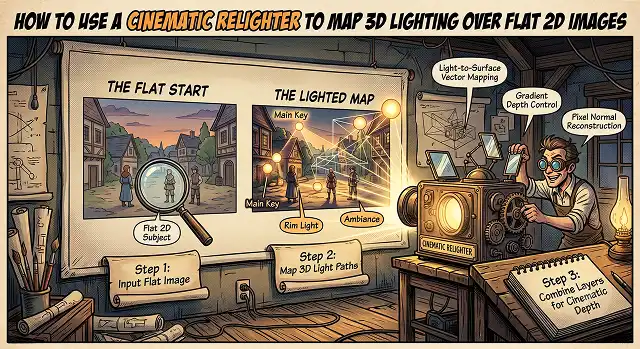
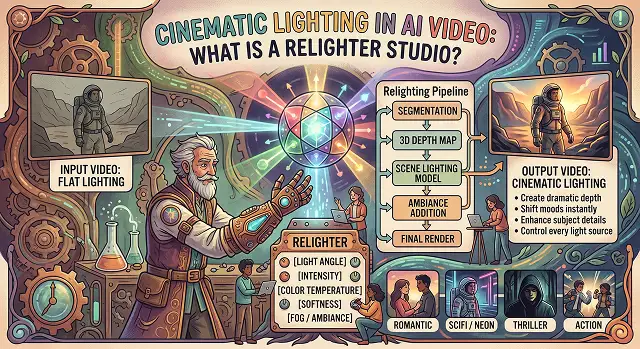
Flat lighting is the biggest buzzkill for photographers, digital artists, and people working on e-commerce.
Generative AI videos have progressed from being a new technology demonstration to become the workshop of modern digital creation.
The digital media terrain has radically changed. The dialogue has officially moved beyond the initial debate about whether artificial intelligence is capable of producing pixels and is now centered around how the video production process creates pipelines for scalable, automated, and ultra-realistic assets.
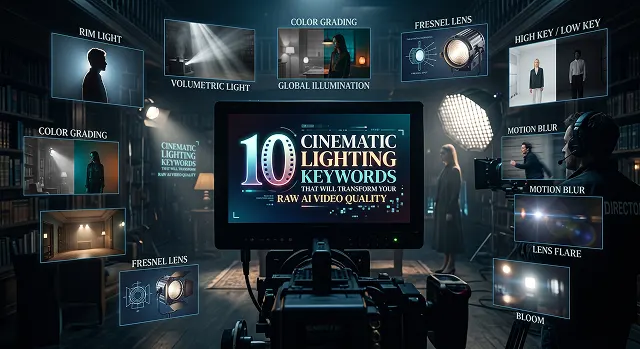
Poor exposure and flat lighting can ruin your film in the post production phase.
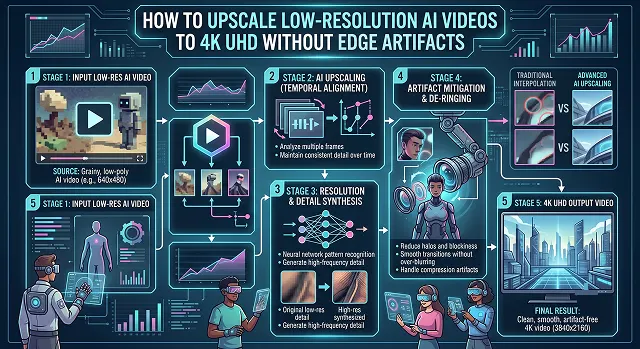
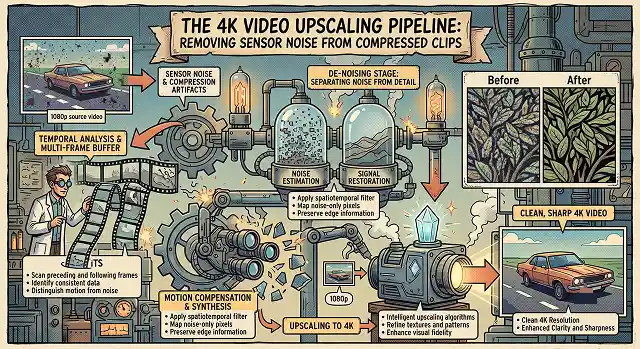
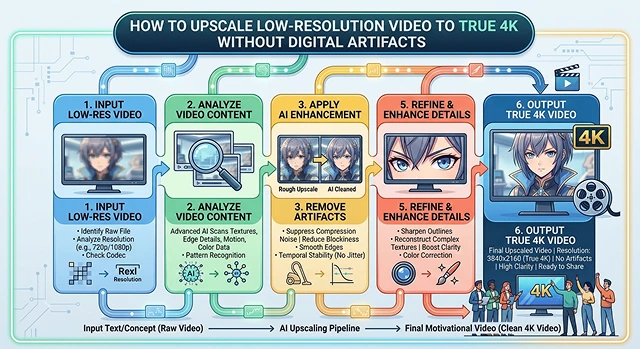
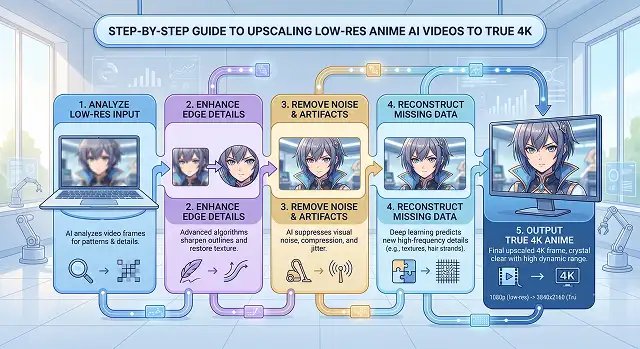
In the process of upscaling low resolution video into 4K UHD ($3840 \times 2160$) format, the classical algorithmic technique leads to a significant visual issue known as edge artifacts.
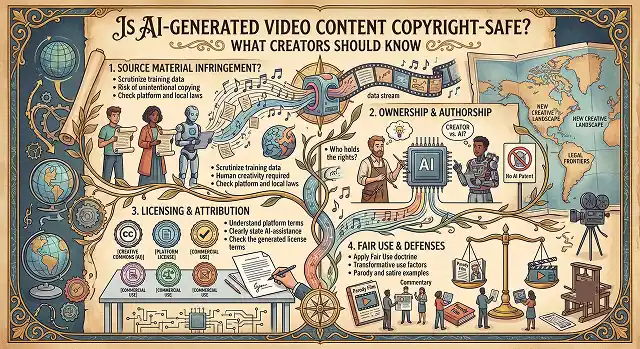
A friend of mine hit a monetization wall last month when his AI-generated video got flagged during review, and it raised a question more creators are quietly asking.
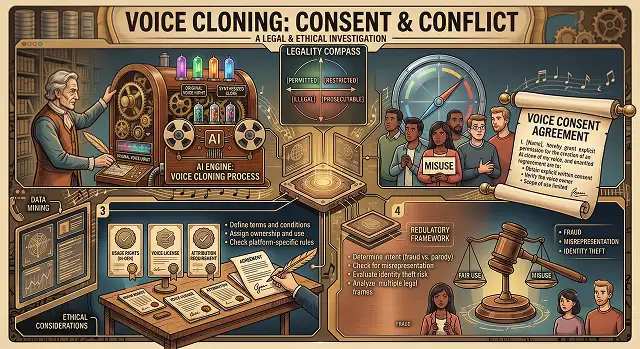
The rapid rise of generative AI voice technology has outpaced old law books.
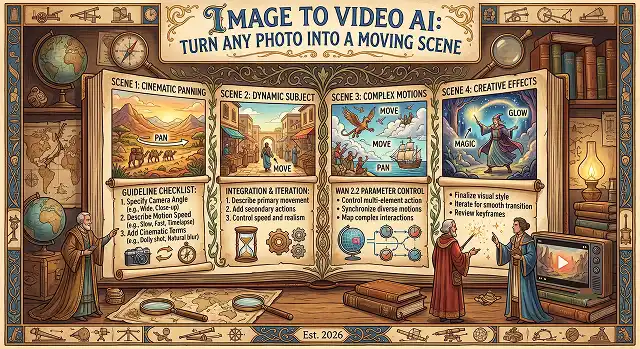
The process of bringing a static image to life used to entail an entire process of structure design, 3D modeling, rigging, and traditional animation.
There's a specific moment when a still photo starts moving on its own for the first time, and it looks like it shouldn't be possible from a single flat image.
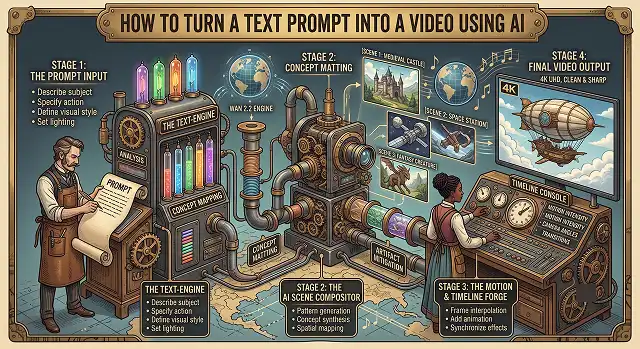
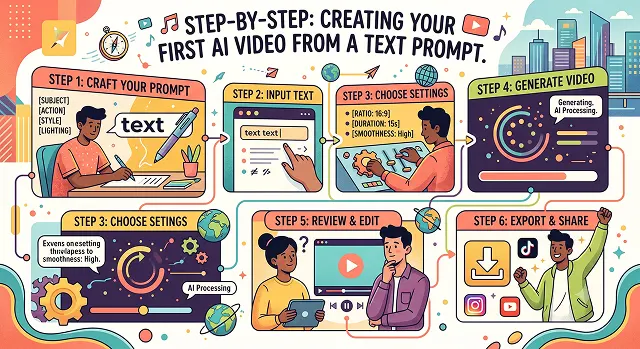
Creating your very first video from scratch based on a textual prompt is among the most exhilarating achievements of today's era of content creation.
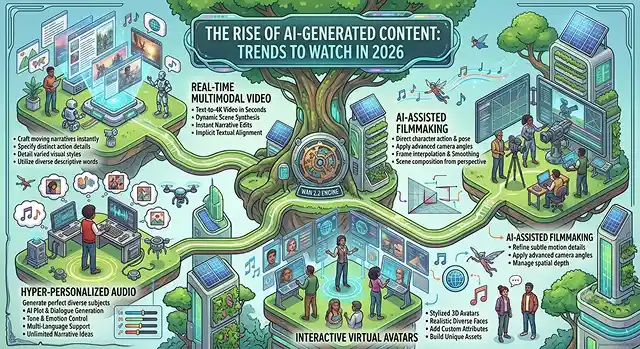
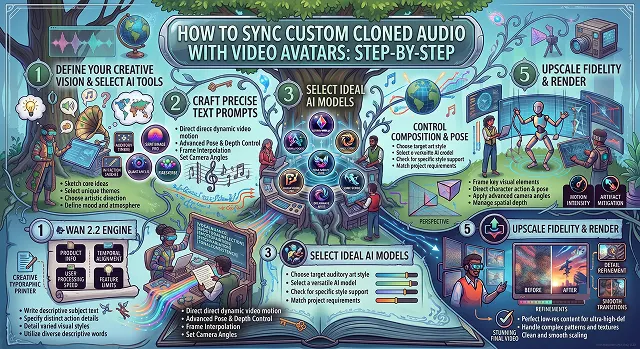
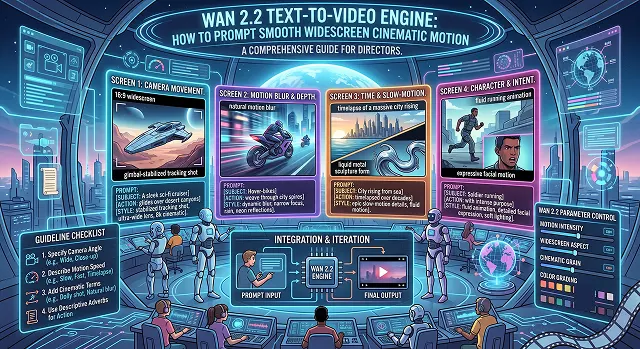
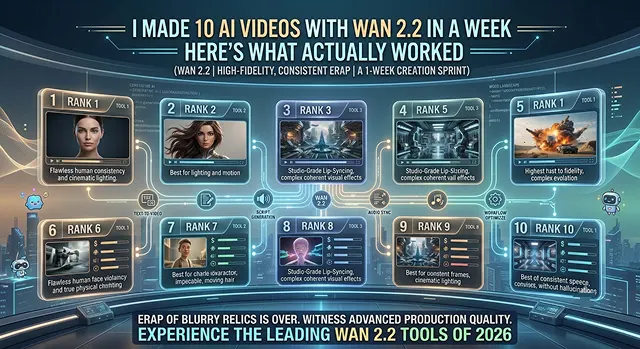
The open-source AI video landscape has taken a massive leap forward with the release of the Wan 2.2 Text-to-Video engine.
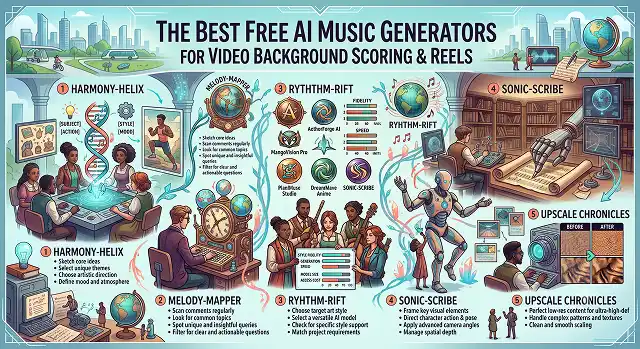
Locating the ideal background music for your content can be quite the nightmare.
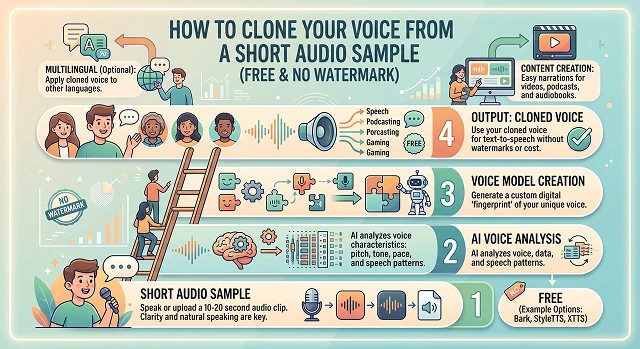
Cloning your voice used to require hours of professional studio recordings and expensive software.
I run this site's tools every day, but I'd never actually sat down and used Wan 2.2 the way a regular visitor would — pick a prompt, hit generate, see what comes out, try again.
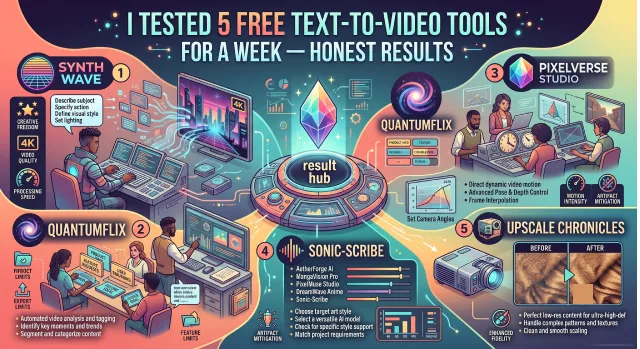
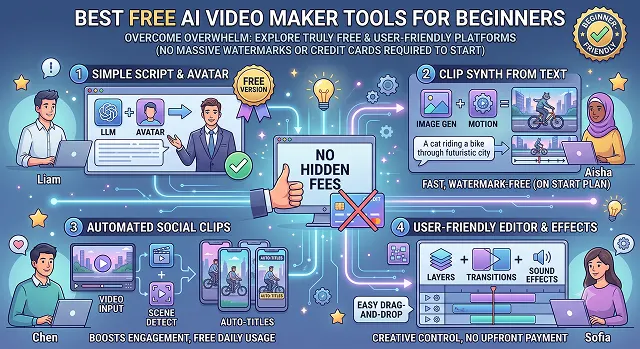
Most "best free AI video tools" lists read like they were written by someone who never actually opened the apps.
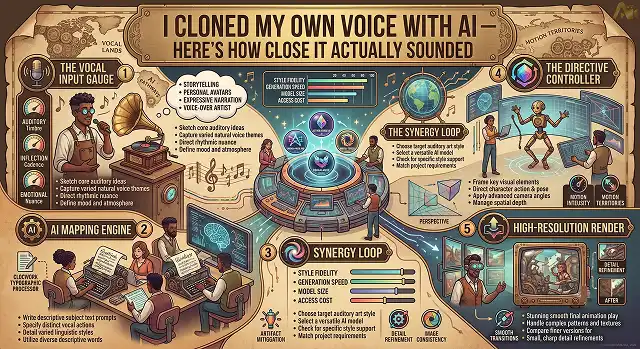
I wanted to know if AI voice cloning was actually good enough to fool someone who knows my voice well.
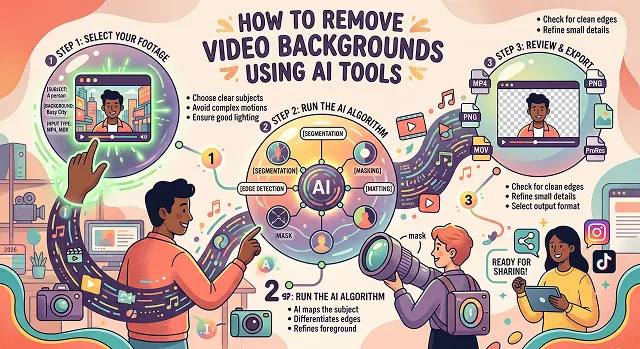
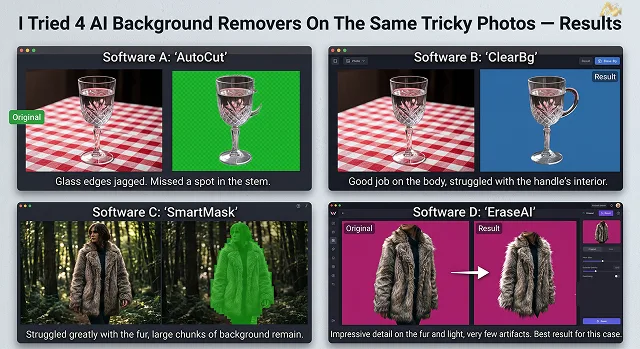
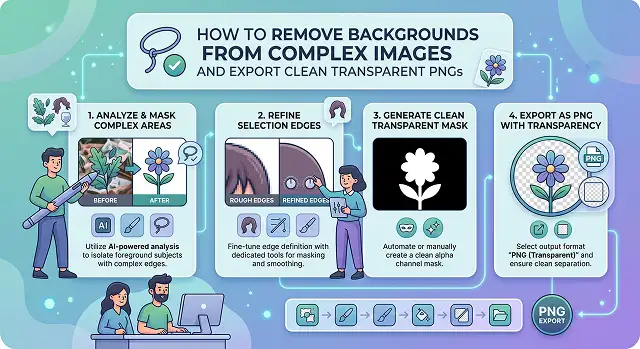
I picked the 3 hardest cases background removal tools usually struggle with — hair, fur, and glass — and ran each through 4 tools.
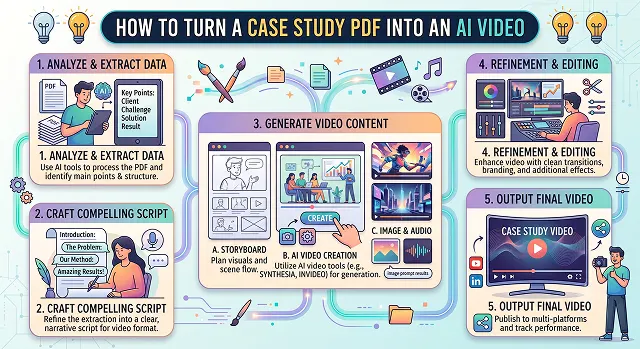
There's no better way than turning an old, text-based case study in PDF form into a dynamic and engaging AI video.
We have all been there: you need to cut out a subject from a photo, but they have wispy, flyaway hair, or they are holding a translucent glass of water, or perhaps it's a pet with dense, fluffy fur.
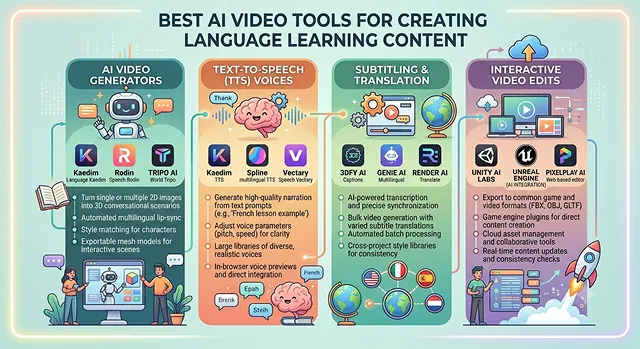
Language acquisition is, by nature, an intimidating task. Reading off vocabulary lists or hearing monotonous audio tracks are the quickest ways to kill the learner's interest.
A paradigm shift has occurred in the realm of AI video generation.
The process of upscaling a highly compressed and low-res video to a perfect 4K master is among the most difficult tasks that can be faced in post-production work.
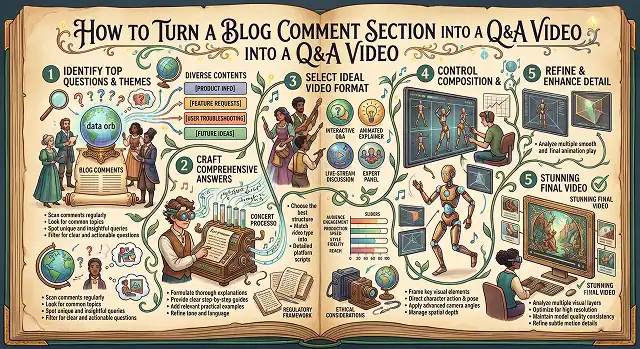
Every blog comment section is full of ready-made content ideas, real questions from real readers that most people just reply to and forget about.
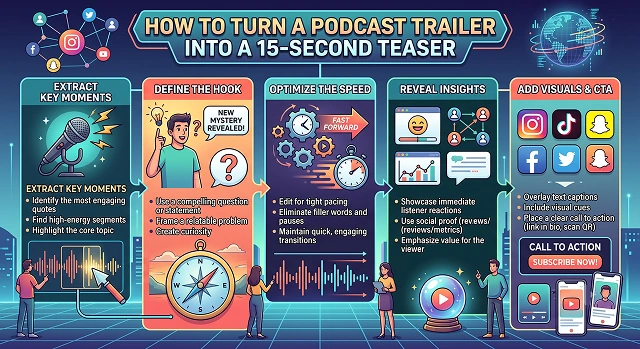
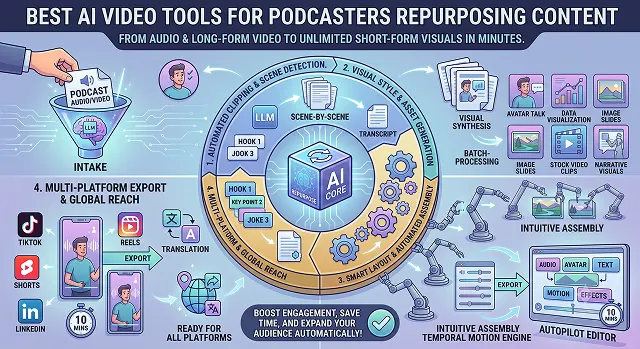
Because social media timelines are constantly in motion at breakneck speed, a long and drawn-out podcast trailer will definitely be ignored.
Having attempted to create a YouTube channel without faces, corporate training video or social media advertisement, one understands how time-consuming it could be.
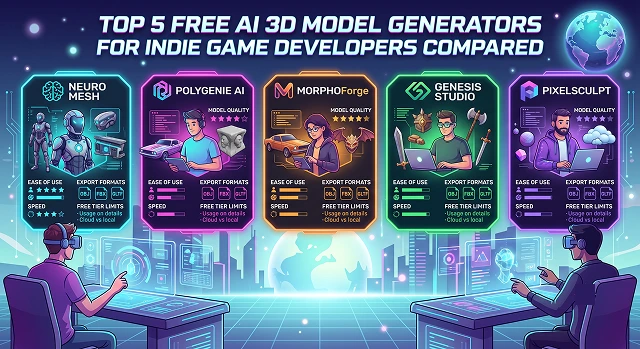
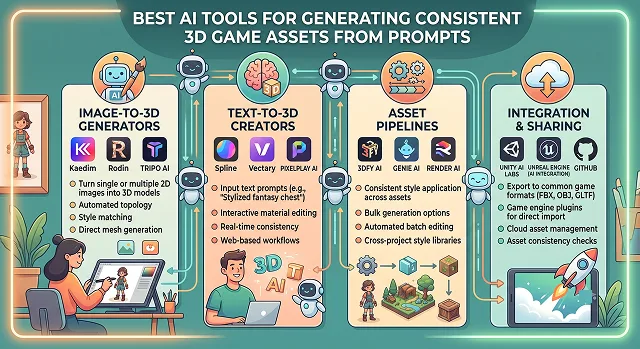
For indie game designers, creating 3D assets is always the most difficult part of game production.
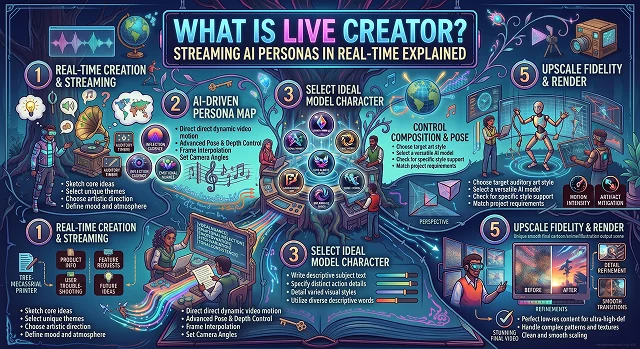
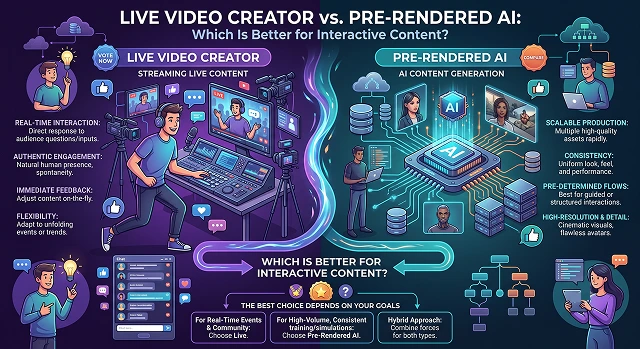
When building interactive content—like AI-powered customer service agents, personalized video marketing, immersive training simulators, or branched storytelling—one massive technical crossroad trips up creators: Should you go with Live Video Generation (Real-Time) or Pre-Rendered AI?
Take that chunky low-resolution video clip and upscale to 4K? For a while there, it just meant taking every pixel and making it bigger until it all became blocky, fuzzy and unwatchable.
Communicating about insurance products, tax laws, or investment portfolios is challenging to do.
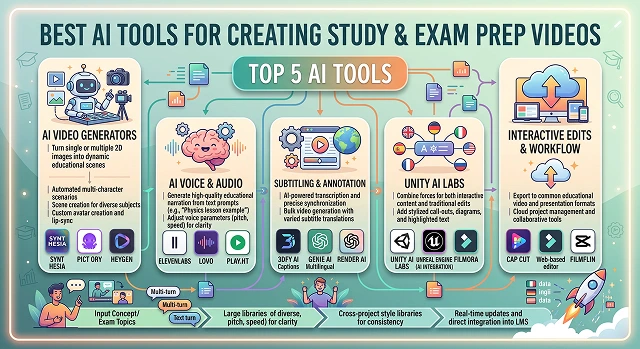
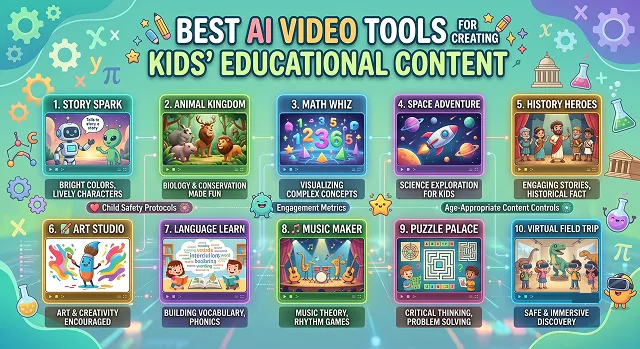
Generation of educational content is going through a major revolution.
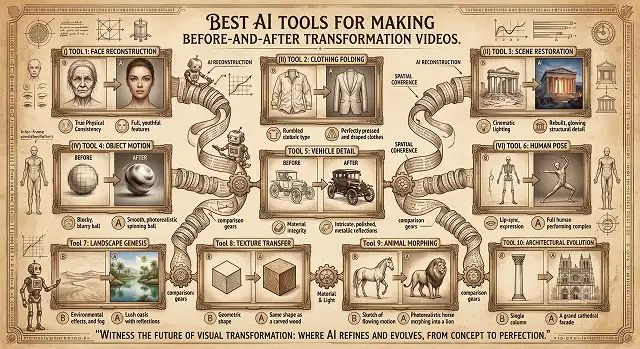
Regardless of whether it's a fitness transformation, home renovation reveal, or makeup transformation video, transformation videos always get the viewers engaged because of their innate human curiosity to see a huge transformation happen within seconds.
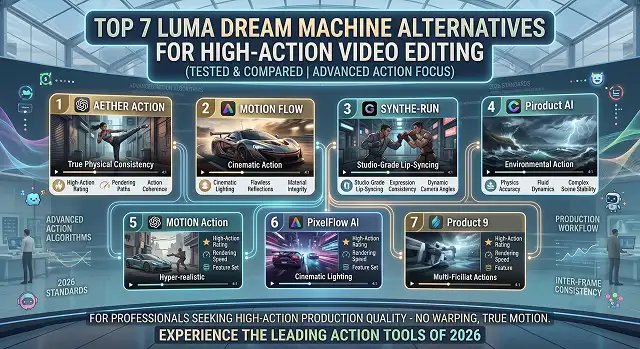
Luma's Dream Machine made waves across the internet for its raw speed and ability to instantly visualize concepts.
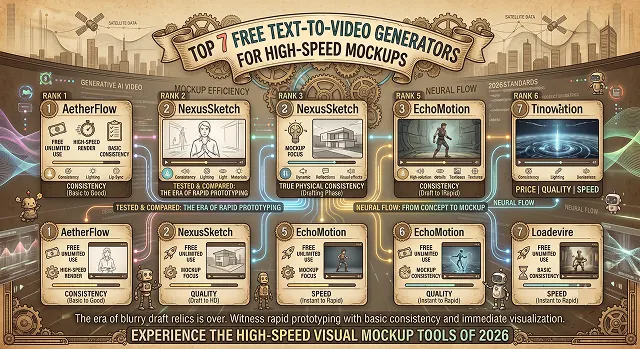
Whether you're pitching an idea to a client, drawing up a storyboard for a new campaign, or attempting to ride the viral train on social media you don't have hours to be waiting around for videos to render. You need an express proof of concept. You need high-speed mock-ups.
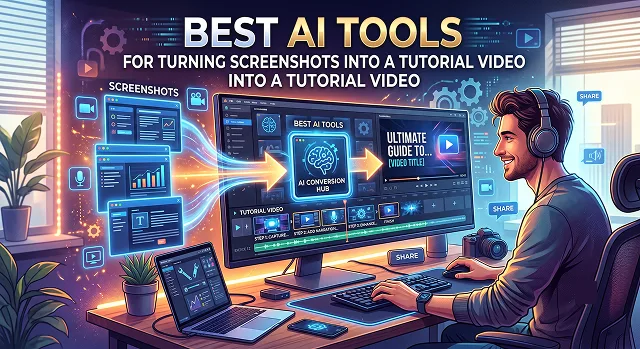
If you've already got screenshots from doing a task once, you can turn them directly into a full walkthrough video without re-recording anything.
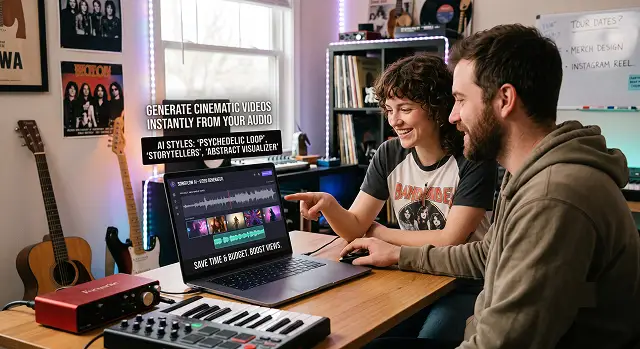
For independent artists, groups, and labels, videos are not an extra element but something that fuels their views on Spotify, YouTube, and TikTok.
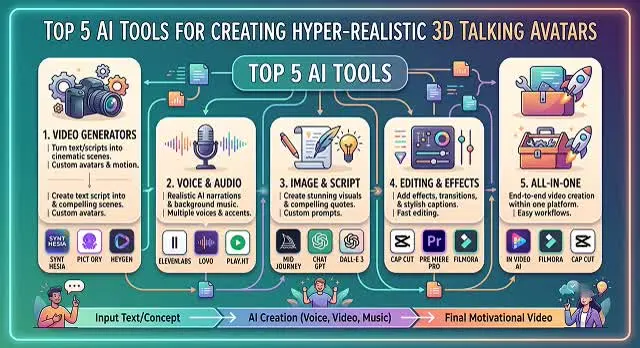
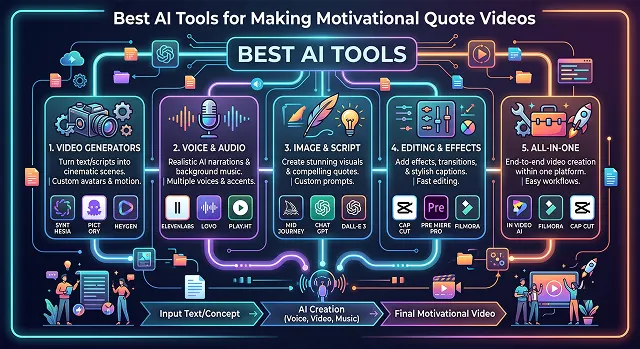
The motivational video niche is a monster across social media. You could go through almost any feed of tiktok, reels or shorts and not be in minutes before you stumble across a faceless account, garnering millions of views, on a video composed of a cinema-like voiceover, dark aesthetic video and sharp kinetic video captions.
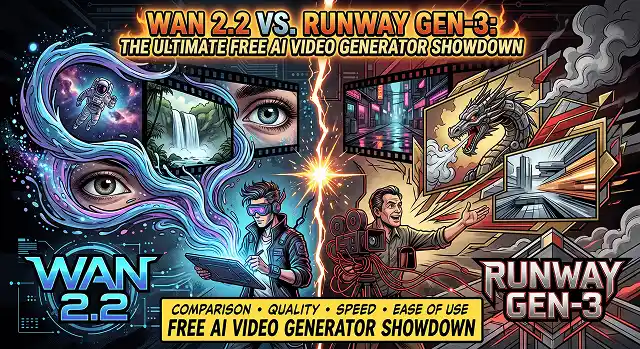
If you've dabbled at all with some of these AI video generators such as Kling AI, Runway Gen-3, and Google Veo, you'll know that the results are often extremely unrealistic looking.
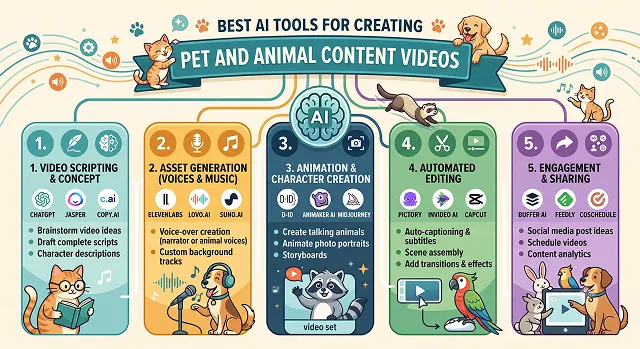
The internet absolutely loves its animals. Whether it's funny dog videos on TikTok or educational mini-documentaries on YouTube about strange wildlife, there's no better way to get clicks, good view times, and huge amounts of engagement than with animal content.
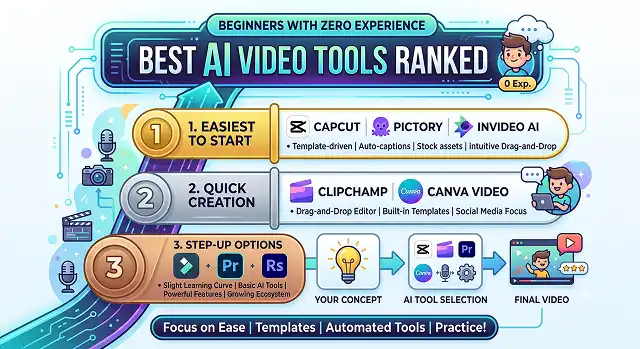
Making a professional video might be perceived as something absolutely daunting when you've never even laid eyes on a timeline editor.
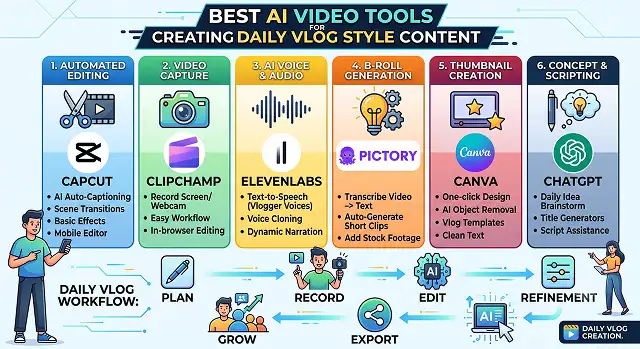
And one of the best ways to create an incredibly loyal fan base is through the daily vlog format.
The 3D asset creation pipeline has always been the major choke point for indie game developers, solo artists, and smaller development studios.
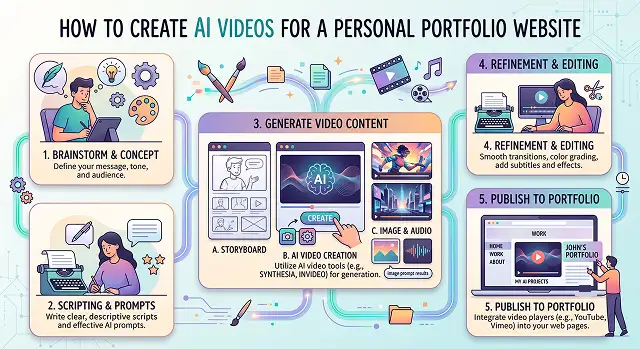
In the year 2026, having a static portfolio website using nothing but plain text and image files is simply not good enough to set yourself apart from others.
If you have ever created an anime animation using AI technology or downloaded a classic anime animation online, then you may know about the trouble: the video looks amazing on a small screen of your smartphone, but as soon as you try watching it on a bigger screen, it becomes distorted and low-quality.
A podcaster I've been chatting with in a creator Discord posted something a while back that stuck with me: she'd recorded 40 episodes over a year and had precisely three social clips to show for it.
Anyone who has tried explaining science and mathematics concepts to a child knows that writing alone will not work.
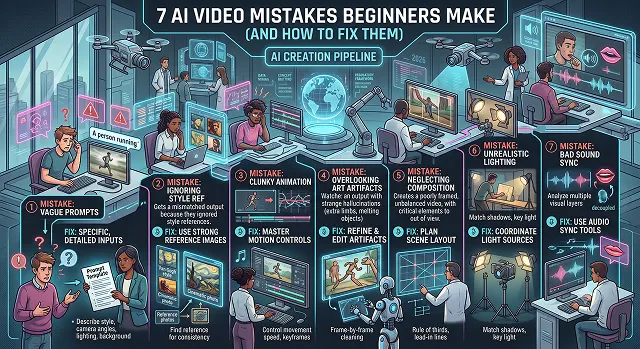
When you have tried creating an AI video yourself, you will know the disappointment that comes from entering a beautiful prompt and getting back something like a blurry mess where people have six fingers and the background is melting.
To make a polished video out of only AI would be possible by joining together glitchy and deepfake video clips that are extremely artificial.
The landscape of generative AI video has reached a fascinating turning point.
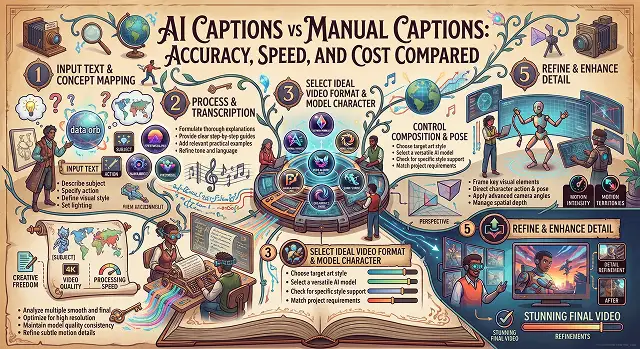
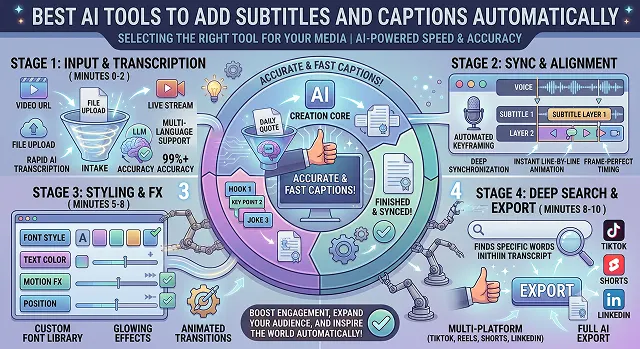
Adding automatic captions to video used to take countless hours of typing and time management.
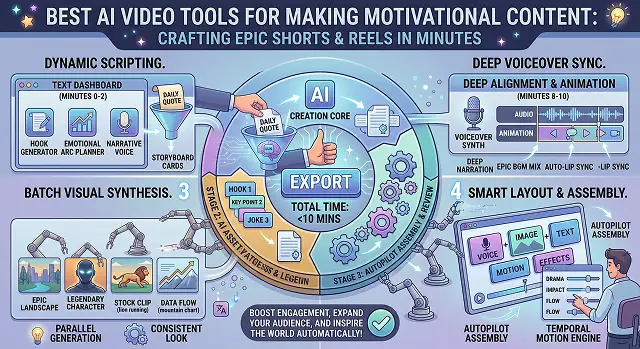
Creating motivational videos, especially "faceless" videos for TikTok, Reels, and YouTube Shorts, has taken off like never before.
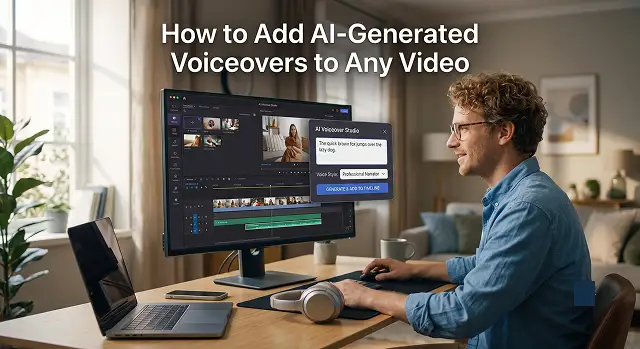
Adding an AI voiceover to a video is incredibly easy nowadays—you no longer need a professional recording studio, an expensive microphone, or multiple takes to fix a stutter.
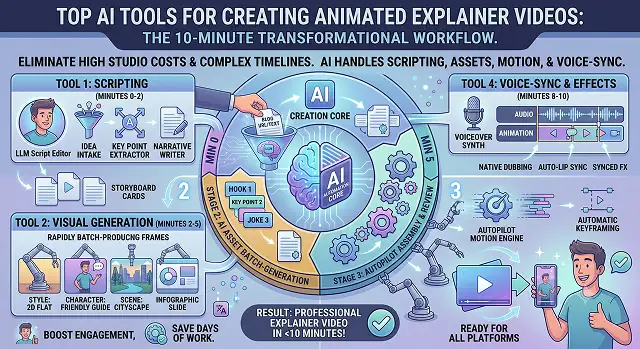
Producing an animated explainer video would take you a lot of money for studio production or a lot of time fumbling with keyframe timelines in traditional software packages.
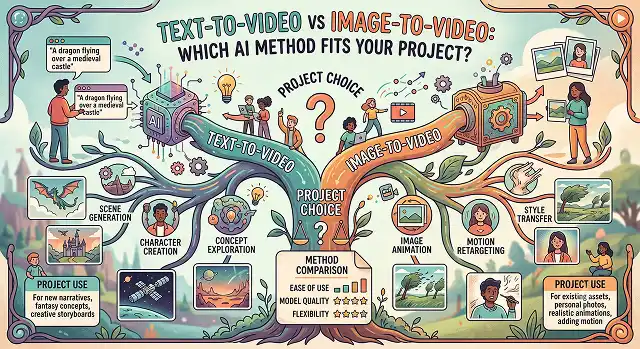
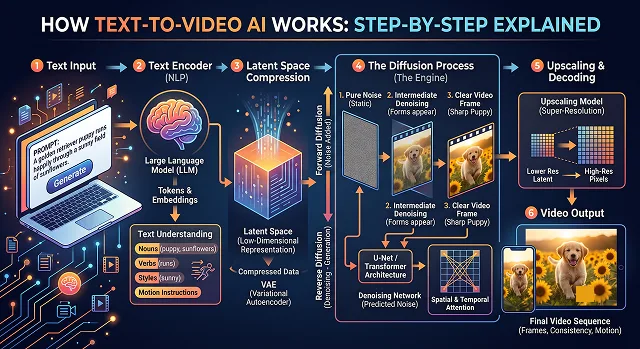
Initially, Text-to-Video AI appears as real magic. You put in a phrase such as "a golden retriever in an astronaut suit walking on Mars with cinematic lighting" hit enter, and within seconds you have yourself a moving photorealistic video clip.
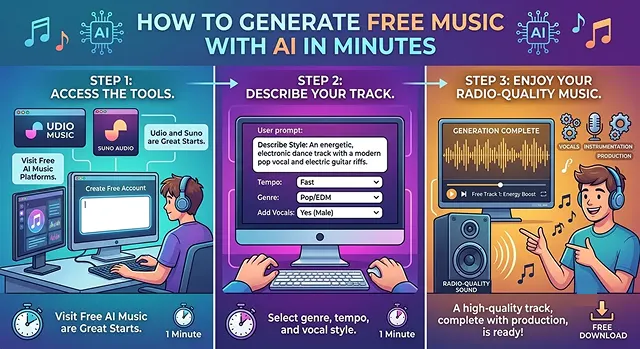
AI-generated music is now ridiculously easy; a couple of minutes and a bunch of tunes at Udio and Suno are now a free radio-station quality track ready with vocals, instrumentation and production.
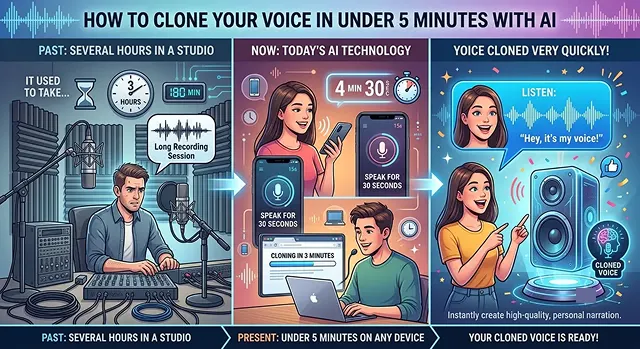
It used to take a long time to get your voice cloned - several hours in a professional studio - but now with today's AI technology you can have your voice cloned on your phone or computer very quickly (in less than 5 minutes).
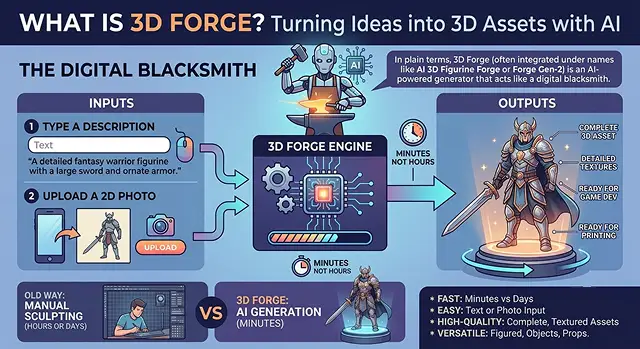
In plain terms, 3D Forge (often integrated under names like AI 3D Figurine Forge or Forge Gen-2) is an AI-powered generator that acts like a digital blacksmith.
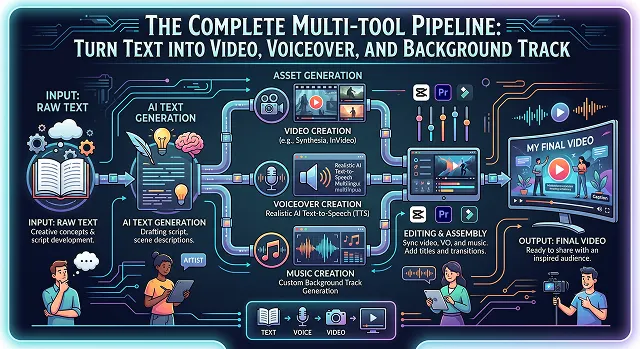
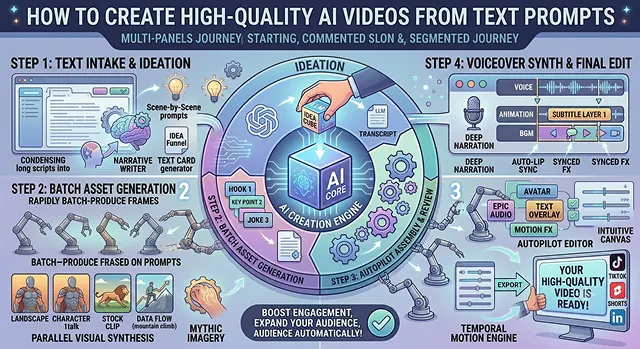
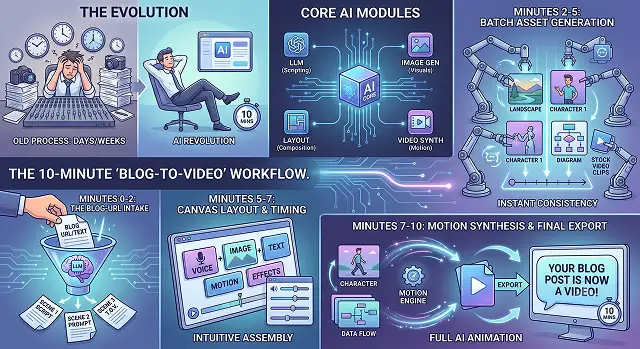
Prior to the advancement of technology, it took a lot longer to develop an engaging video from a written article due to the cumbersome steps of writing a script, recording a voiceover, and editing the video.
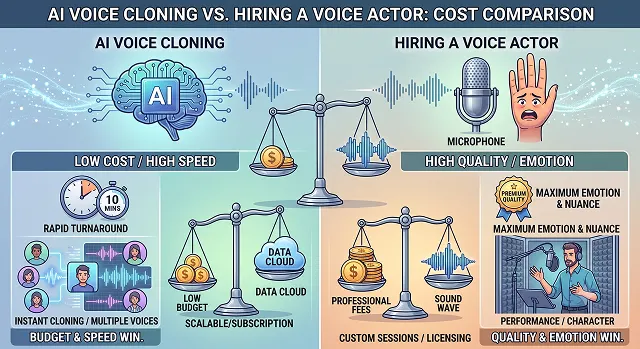
When you're weighing whether to use AI voice cloning or hire a professional voice actor, it usually boils down to a classic showdown: budget and speed vs. quality and emotion.
Turn your imagination into reality — start creating with AI Videos in seconds.
Get Started for Free